How to Send Guests Directly to a Private Room in SpatialChat
No more wandering around the main room, room deep links get your guests exactly where they need to be, instantly.
If you've ever hosted an event or run a virtual office in SpatialChat, you know the experience can be magical, people moving around, bumping into each other, having spontaneous conversations. But sometimes, you don't want that. Sometimes you need to bring someone directly into a specific, private room, without them ever seeing the rest of the space.
That's exactly what room deep links are for.
This relatively new feature lets you share a URL that drops your guest straight into a hidden room, no exploration needed, no wrong turns. Let's walk through how it works.
What is a room deep link?
A room deep link is a direct URL tied to a specific room inside your SpatialChat space. When someone clicks it, they go through the standard SpatialChat login page (so they still authenticate), and then land directly inside that room, even if the room is hidden from the main space.
You share the link → Guest logs in → Guest lands in the hidden room
This works whether the room is hidden or visible — but the real power is with hidden rooms, since guests can't find those any other way.
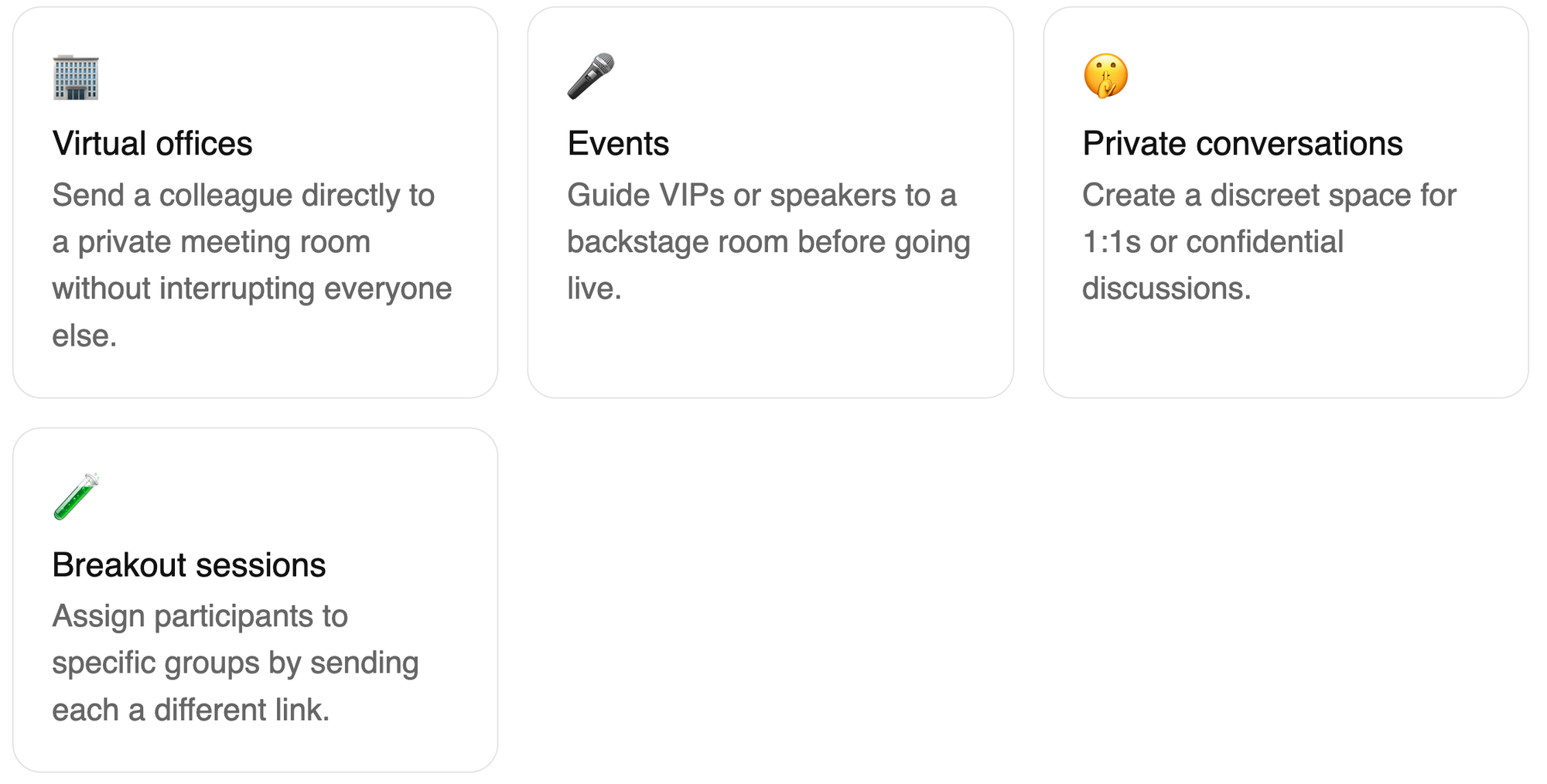
Why would you use this?
There are a lot of situations where this comes in handy. Here are a few of the most common:
How to set it up
It's surprisingly simple. You don't need to configure anything special, the deep link already exists for every room in your space. Here's how to find and use it:
- Open your SpatialChat space and navigate to the room you want to share.
- Make sure the room is set to hidden if you don't want guests to stumble upon it from the main space. You can do this in the room settings.
- Copy the URL from your browser's address bar while you're inside that room, this is your room deep link.
- Send that URL directly to whoever you want to invite via email, Slack, WhatsApp, etc.
- When your guest clicks the link, they'll land on the SpatialChat login page, log in (or create a quick guest profile), and arrive straight in that room.
A few things to keep in mind
Room deep links are powerful, but there are a couple of nuances worth knowing before you go live:

That's it!
Room deep links are one of those features that feel like a small thing until you actually use them — then you wonder how you managed without. Whether you're running a virtual office, hosting an event, or just trying to have a quiet conversation away from the crowd, they give you a level of control that makes SpatialChat feel genuinely professional.
Give it a try at your next event, and let us know how it goes.